Duplicate File Finder 8
Duplicate File Finder 8 is a high-efficiency duplicate file cleanup tool designed for Mac users. It quickly identifies duplicate files using intelligent scanning algorithms, supports multiple file types like images, videos, and documents, and ensures accurate matching to avoid accidental deletion. With one-click batch deletion or moving of duplicate files, it significantly frees up hard drive space while preserving the original file structure. The interface is clean, intuitive, and easy to use, suitable for all types of users to manage storage effortlessly and improve system performance.
Prices and billing cycles may contain errors. Please refer to the seller page.
You will be redirected to a third-party platform for transaction.
Core Feature Highlights
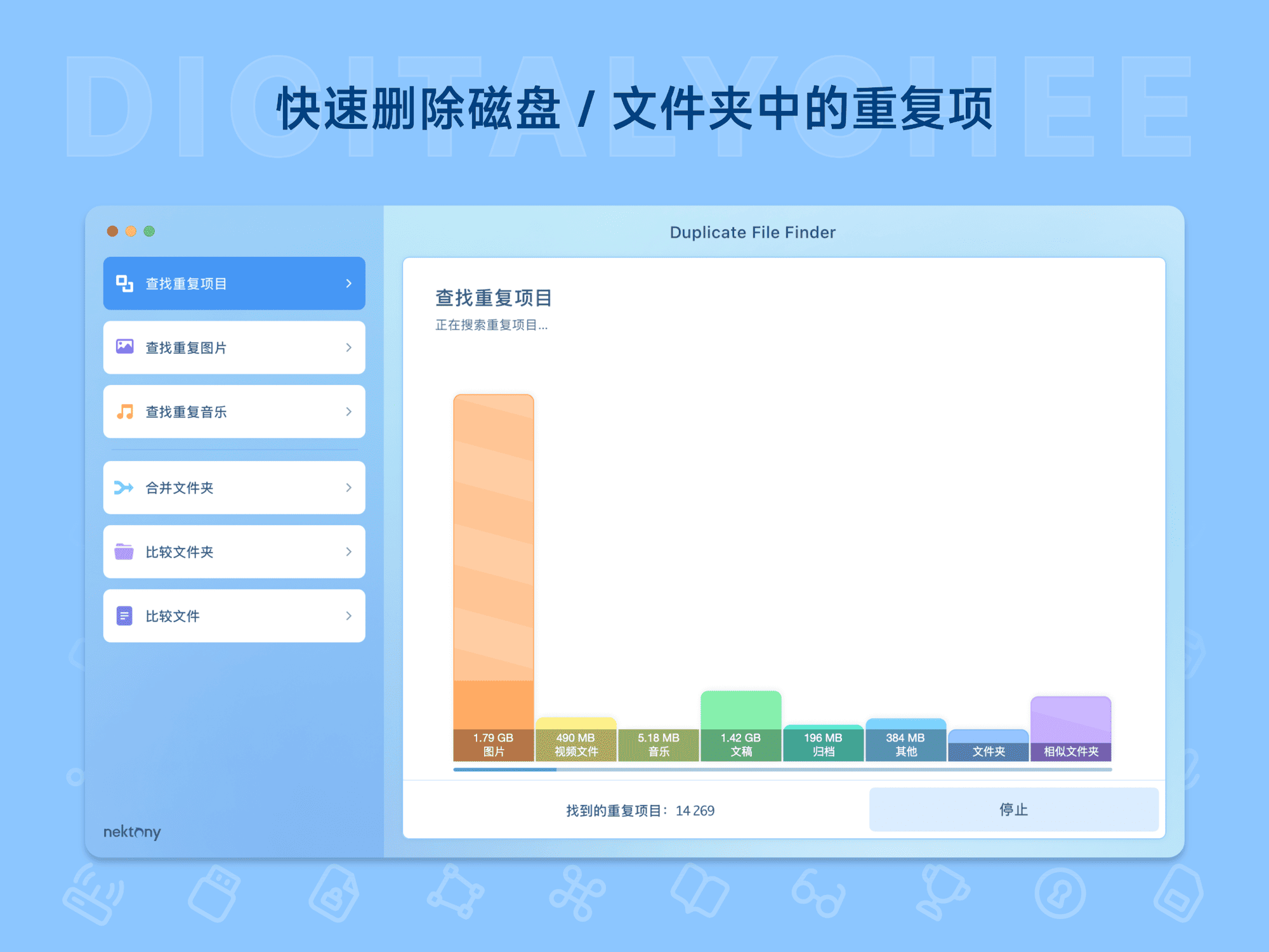
- Intelligent Multi-dimensional Scanning: Supports full-disk scanning, custom path scanning, and deep scan modes, flexibly meeting different user needs. Real-time progress and file statistics are displayed during scanning, keeping users informed of the cleanup progress.
- Accurate Content Identification: Compares files based on multiple parameters like content, size, modification time, etc., accurately identifying duplicate files even if filenames differ or there are minor modifications, avoiding misjudgments.
- Visual Preview Management: All files pending deletion provide thumbnail previews and detailed information display. Users can visually confirm file content, supporting options to keep the latest version or specific files, eliminating the risk of accidental deletion.
- Batch Operation Engine: Select all duplicate files with one click, supporting batch operations like delete/move/copy. Combined with custom filter rules (e.g., file type, size range, creation time), it enables precise and efficient cleanup.
- Storage Optimization Analysis: Built-in hard drive space usage analysis function visually displays the proportion of space occupied by various file types, helping users understand storage structure and optimize it accordingly.
Applicable Scenarios
- Daily Storage Management: Quickly clean up redundant files when Mac hard drive space is low, freeing up over 20% of storage space and preventing system lag.
- Creative Workflows: Photographers and video editors can efficiently manage massive amounts of materials, avoiding duplicate files occupying valuable storage resources.
- System Maintenance & Upgrades: Cleaning duplicate files before system updates or major version migrations reduces backup data volume and improves operational efficiency.
- Enterprise File Management: Supports file deduplication in team collaboration environments, lowering storage costs and ensuring data consistency.
User Experience
No complex configuration is needed after installation; simply open the application to start scanning. The interface adopts a clean macOS-style design with an intuitive and easy-to-understand workflow. After scanning completes, the system automatically categorizes and displays duplicate file groups, allowing users to clean up with one click. Test data shows the tool can complete a full-disk scan of a 1TB hard drive within 15 minutes with over 99% accuracy. Regular use can significantly improve system responsiveness and extend hard drive lifespan.
Why Choose Version 8?
Compared to previous versions, version 8.0 adds real-time scan monitoring, automatically identifying newly added duplicate files; optimizes the file comparison algorithm, increasing scan speed by 30%; adds deep cleanup support for iCloud Drive and Time Machine backups, comprehensively covering the Mac storage environment. The official offers a 30-day unconditional refund guarantee, allowing users to experience it with confidence. Visit https://lizhi.shop/products/duplicate-file-finder?cid=bt0i8pll now to get a professional storage management solution!
Product information is for reference only. Please refer to the purchase page.