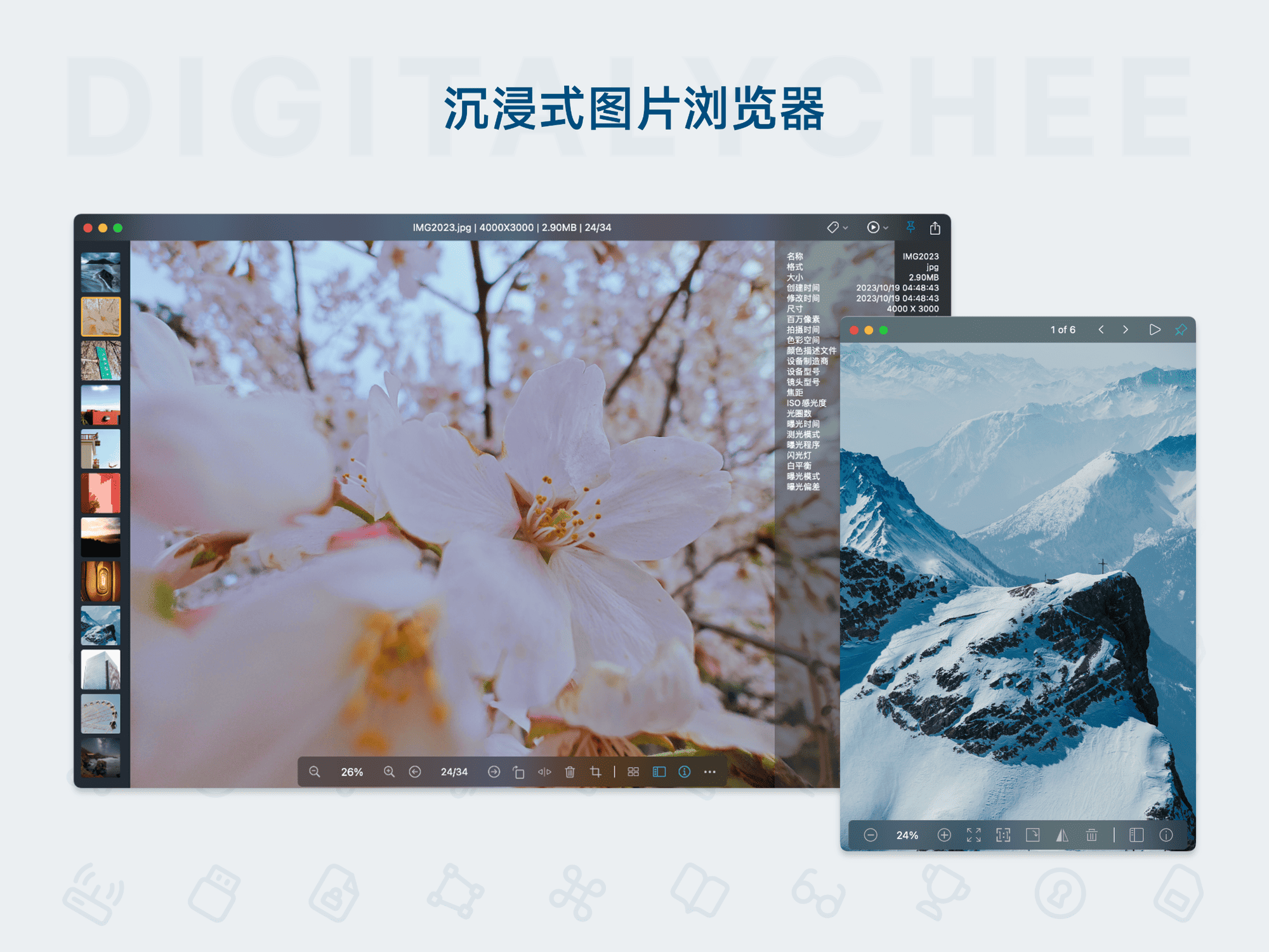
Picview
Picview is a lightweight and efficient image viewer designed for macOS, supporting pinning images to the screen and OCR text recognition. It is compatible with over 30 image formats and offers operations like arrow key navigation and mouse wheel zooming, with a simple and intuitive interface. Its core highlight is the ability to pin images as desktop sticky notes and extract text content with one click. Suitable for photography, design, and content extraction scenarios, it enhances image management efficiency.
Prices and billing cycles may contain errors. Please refer to the seller page.
You will be redirected to a third-party platform for transaction.
Picview - Mac Image Viewer with Pin-to-Screen Feature
Picview is a lightweight and efficient image viewer specifically built for the macOS platform. With its simple, intuitive operation and powerful features, it has become an essential tool for Mac users' image management. It simulates the smooth experience of the Windows Photo Viewer but is optimized for macOS, offering more localized functionality.
Core Feature Highlights
Convenient Pin-to-Screen: This is Picview's unique feature, allowing users to pin any image or text content to the desktop as a live sticky note. Double-click to view or edit the image, supports free dragging and resizing, perfect for designers referencing inspiration materials while working. You can pin multiple images on the screen to form a personalized reference panel, boosting creative efficiency.
Smart OCR Text Recognition: Recognize any text content in images with one click, supporting multiple languages. Recognition results can be directly copied to the clipboard, translated, or have the main subject extracted, greatly improving work efficiency. This feature performs best on macOS 13 and above, suitable for quickly organizing notes, meeting minutes, or document content, reducing manual input time.
Comprehensive Format Support: Compatible with over 30 image formats, including common ones like PNG, JPG, WEBP, and professional photography formats like CR3. Additionally, it can view detailed EXIF data, including capture time, camera model, aperture value, etc., which is crucial for photography enthusiasts and professionals, facilitating analysis of shooting parameters and optimization of work.
Immersive Browsing Experience: Offers automatic positioning to the top of long images, image loop playback, and full-screen distraction-free browsing. 9 viewing modes (such as fixed window size, window adaptive) ensure the best experience in various scenarios, from quick previews to detailed analysis.
Application Scenarios Explained
Photographer Workflow: Use grid view and filter/sort functions to quickly browse and organize large volumes of work. View EXIF data to analyze shooting parameters and optimize future shots; supports automatic top positioning for long images, suitable for reviewing large portfolios.
Designer Inspiration Management: Pin key reference images on the desktop for随时 comparison; multi-window mode allows viewing multiple projects simultaneously, reducing switching time. Maintains visual references during the design process, enhancing creative efficiency.
Content Creator Efficiency Boost: Extract text content from images for use in notes or document organization. OCR recognition makes information processing faster, especially suitable for students and professionals extracting meeting minutes, class notes, or document screenshot content.
Comic Reading Experience: Automatic top positioning for long images, shortcut page turning with arrow keys, supports trackpad operations, making reading webtoons more convenient and smooth; loop playback is suitable for repeatedly viewing key frames.
Versions & Activation
Picview offers a free version and a Pro version. The free version supports 2 viewing windows, 12 views per day; the Pro version has no limits and unlocks advanced features like OCR, custom shortcuts, and image color labels. After purchase, receive the activation code via email. The activation process is simple: run the software > Picview > Activate or Purchase > Enter email and activation code. Supports permanent updates and activation on 2 devices, providing a stable long-term usage experience.
Picview is known for being lightweight and efficient, making it an ideal choice for Mac users to improve image management efficiency, especially for creative professionals and content creators. Its Pin-to-Screen and OCR features fill a market gap, making daily image operations smarter and more time-saving.
Product information is for reference only. Please refer to the purchase page.