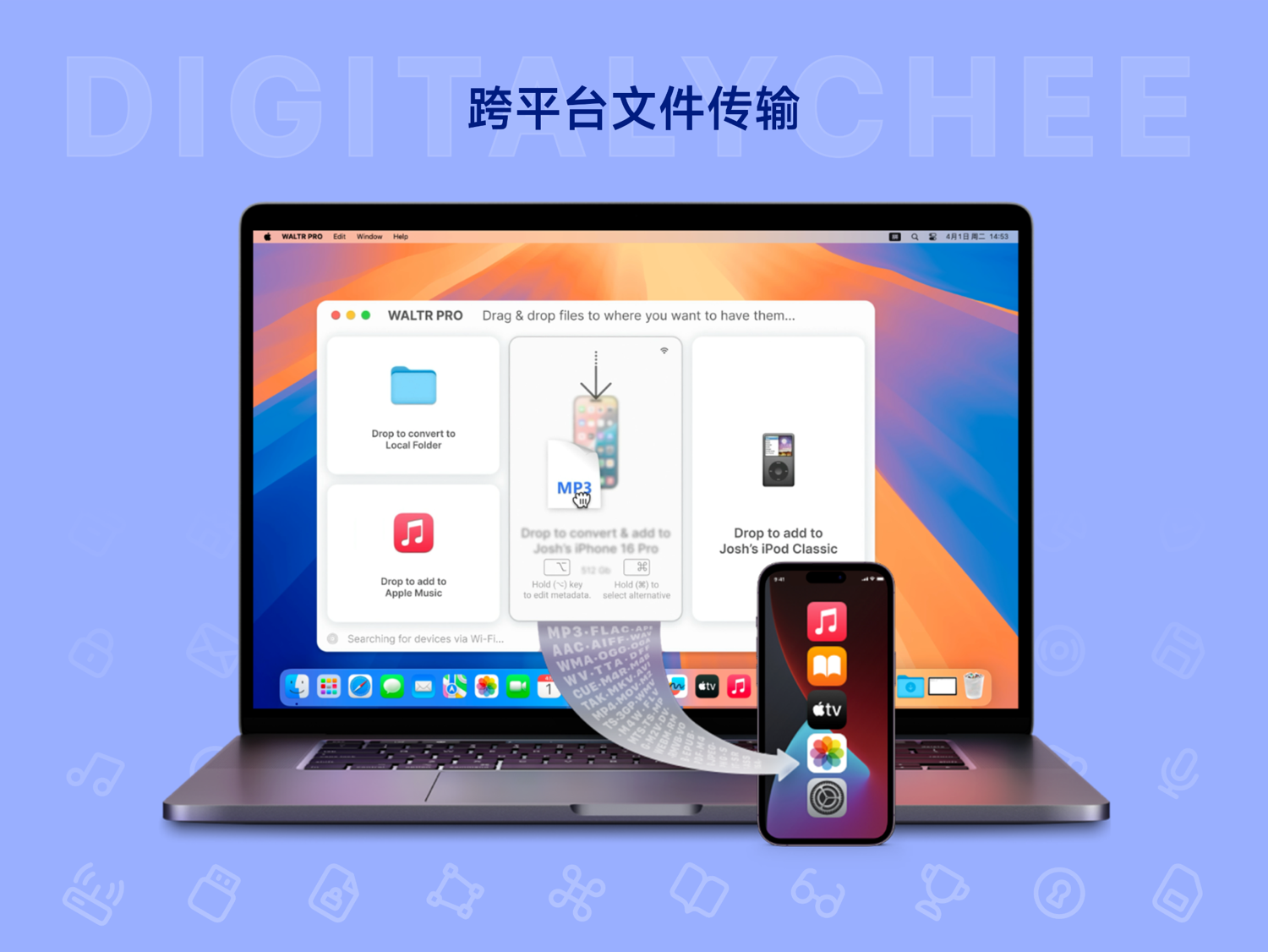
WALTR PRO - iOS File Transfer Tool
WALTR PRO is a powerful iOS file transfer tool that automatically converts computer files into iOS-compatible formats. It offers both cable and Wi-Fi transfer methods, enabling one-click file transfer and supporting HD audio/video and media metadata completion. As an efficient alternative to iTunes, it is suitable for Mac and Windows users, solving cross-platform file management challenges.
Prices and billing cycles may contain errors. Please refer to the seller page.
You will be redirected to a third-party platform for transaction.
WALTR PRO is a high-efficiency iOS file transfer tool designed for Mac and Windows users. It can automatically convert computer files into iOS-compatible formats, enabling seamless cross-platform transfer.
Core Highlights
- Dual Transfer Modes: Supports both cable and Wi-Fi transfer, allowing simultaneous connection to multiple devices. Simply drag and drop files for quick transfer.
- Smart Format Conversion: Built-in conversion engine automatically identifies file types and converts them to iOS-supported formats, requiring no manual configuration.
- Efficient Experience: One-click transfer for photos, music, videos, and documents, providing a convenient experience similar to AirDrop.
- Media Metadata Completion: AI automatically fills in media information such as cover art, year, album, and artist names, simplifying management.
- Third-Party App Support: Transferred files can be sent directly to 20+ apps like Kindle and VLC for immediate access.
- High-Quality Transfer: Supports 192kHz lossless audio and 4K 60FPS video transfer, maintaining the best picture and sound quality.
Feature Details WALTR PRO features an intuitive user interface with simple operation. When you drag and drop files into the software, it automatically recognizes and initiates the conversion process. For audio and video files, the tool optimizes encoding, resolution, etc., to ensure smooth playback on iOS devices. The media metadata completion function, based on AI technology, automatically retrieves and fills in relevant information, allowing you to have a perfect media library without manual editing. Furthermore, it can send files directly to third-party applications, such as Kindle for e-book reading or VLC for video playback, greatly improving efficiency. The paid version supports unlimited file transfers, while the trial version has stricter limitations to ensure users get a full experience.
Use Cases
- Daily Sharing: Quickly transfer photos and videos from your computer to your iPhone to share with family and friends.
- Work Collaboration: Edit documents on your Mac and send them directly to your iPad for presentations or collaboration.
- Media Management: Serves as an iTunes alternative, simplifying the organization and management of music and video libraries, avoiding cumbersome operations.
- HD Entertainment: Transfer lossless music and 4K videos for a cinema-like experience, especially suitable for audiovisual enthusiasts.
- Multi-Device Sync: Transfer files to multiple iOS devices simultaneously, saving time and improving work efficiency.
Specifications & Activation WALTR PRO offers a 1-day trial version and paid versions (1 month or 1 year). The paid version can activate 2 devices (1 Windows, 1 Mac) and includes free updates. After purchase, you will immediately receive an activation code via webpage, SMS, or email, with simple steps to complete activation. Additionally, it supports 14 products from Softorino, including AltTunes, SYC PRO, etc., offering more feature combinations. The activation process is secure and convenient, requiring no complex setup.
Summary WALTR PRO not only solves common issues in iOS file transfer but also provides powerful supplementary functions, making it an essential tool for Mac and Windows users managing iOS devices. Whether you are a general user or a professional, you can benefit from it and enhance your daily experience. It simplifies cross-platform operations, saves time, and is particularly suitable for scenarios requiring efficient handling of media files and multi-device management.
Product information is for reference only. Please refer to the purchase page.