WizNote - Cross-Platform Note Management Software
WizNote is a cross-platform note management software supporting seamless synchronization across Windows, macOS, iOS, Android, and Web. It offers Markdown editing, real-time multi-device sync, full-text search, and team collaboration features, helping users efficiently organize knowledge and share materials. With a 100-day pre-purchase trial, genuine license, and 1 year of free updates, it's suitable for personal knowledge management and team work scenarios, ensuring convenient and reliable information management.
Prices and billing cycles may contain errors. Please refer to the seller page.
You will be redirected to a third-party platform for transaction.
WizNote - Cross-Platform Note Management Software
WizNote is a domestic note-taking software designed for knowledge management and efficient work, supporting seamless synchronization across Windows, macOS, iOS, Android, and Web platforms. As a professional tool, it offers powerful Markdown editing, real-time multi-device sync, intelligent information retrieval, and team collaboration features, helping individuals and teams efficiently organize, store, and share fragmented information to build a personal knowledge base. A 100-day trial before purchase, genuine license, and 1 year of free updates ensure a worry-free user experience, with the option to renew after the 1-year period.
Core Highlights
- Cross-Platform Sync & Offline Support: Real-time note synchronization across computers, phones, and web browsers. Offline editing with automatic sync prevents data loss, ideal for users on the go.
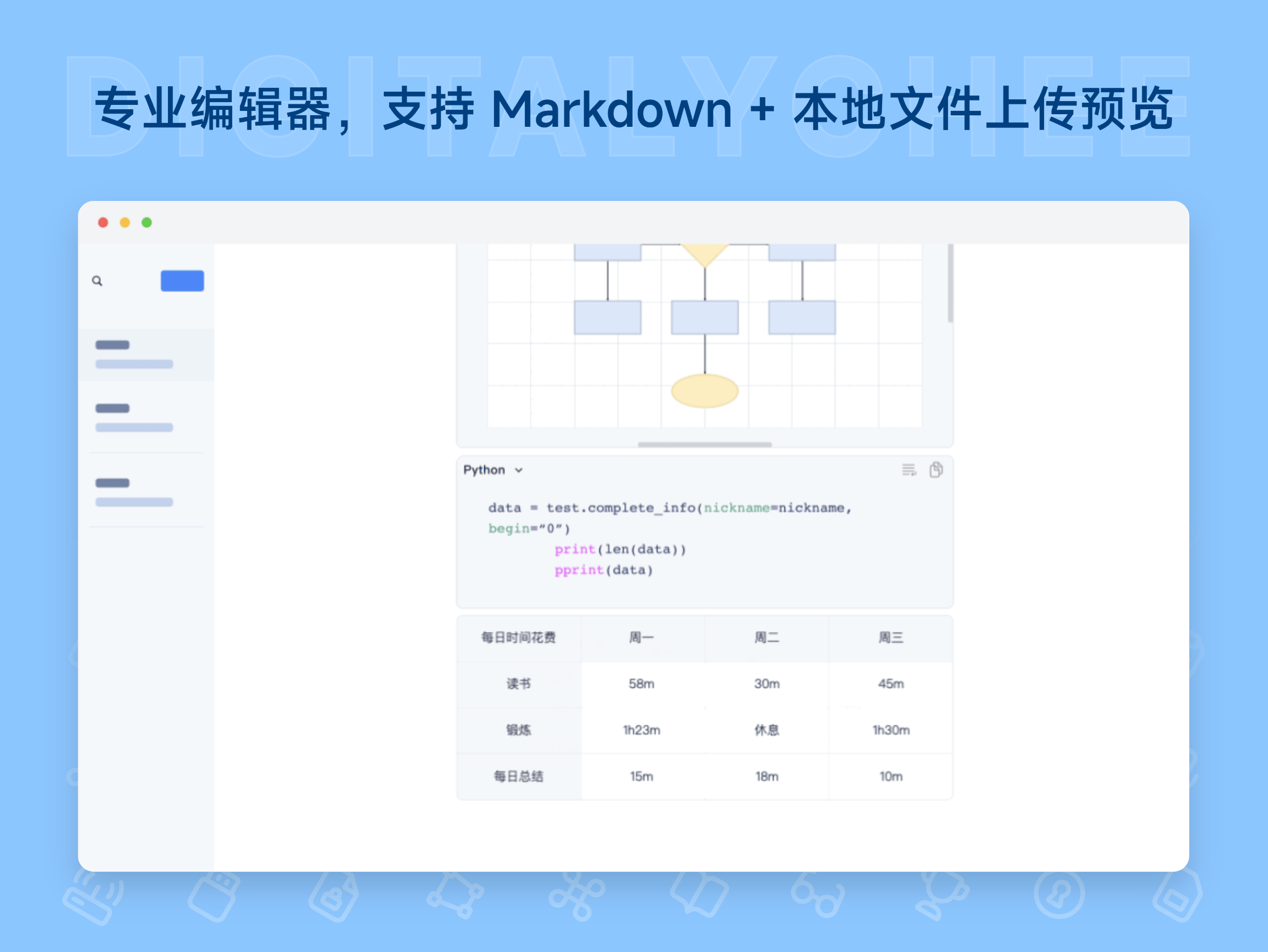
- Professional Markdown Editing: Supports Markdown syntax including code blocks and tables, meeting the needs of developers recording code and designers organizing plans, improving content organization efficiency.
- Intelligent Information Management System: Tree-like directory, bi-directional linking, and full-text search functions structure scattered information, quickly locating key content and optimizing knowledge management.
- Team Collaboration Tools: Create groups with customizable permissions and comment functions, enabling file sharing and real-time feedback to enhance team collaboration efficiency.
- 100-Day Trial Before Purchase: Experience all features for free before buying, ensuring the software meets your needs and reducing decision risk.
Detailed Feature Introduction
- Knowledge Base Construction: Use the built-in clipper to collect content from WeChat and web pages, customize tags and directories, and organize book excerpts and browsing content into a systematic knowledge base for easy categorization and management.
- Multi-Scenario Collaboration Support: Supports collaboration for teams of 100+ people, featuring permission management to ensure secure sharing of sensitive materials; comment function facilitates real-time discussion, accelerating project decisions.
- Information Retrieval & Structuring: Utilize full-text search and tree-like directories to quickly find specific notes; bi-directional linking connects related content, forming a knowledge network and improving information utilization efficiency.
- Professional Editing & File Management: Supports local file upload and preview, code highlighting for convenient technical document editing; file version control ensures data security, preventing accidental loss.
- Convenient Multi-Device Usage: Web version, mobile app, and desktop client are always accessible, with information synced to the cloud in real-time. Supports installation on multiple devices (no limit on device count), ensuring data is never lost.
Applicable Scenarios
- Personal Knowledge Management: Students recording class notes and organizing study materials, easily finding key information; professionals managing project documents, keeping their knowledge system orderly.
- Team Project Collaboration: Project teams sharing design drafts, code, and meeting minutes, with real-time comments accelerating decisions; seamless collaboration during remote work, improving efficiency.
- Professional Content Creation: Developers writing technical documentation and recording code logic; designers organizing design drafts and plans, improving content output quality.
- Efficient Fragmented Information Organization: Use the clipper to capture web content and book excerpts, customize categories, and form a personal knowledge base, enhancing information processing efficiency.
- Worry-Free Use in Offline Environments: Supports offline editing, allowing content recording even when traveling or in areas with poor signal, with automatic sync updates once connected, ensuring work continuity.
Activation & Usage
After payment, visit the WizNote official website to register an account and bind your email or phone number. Fill in this binding information when placing the order, and membership benefits will be automatically upgraded within minutes. During the 100-day trial, all features can be experienced for free, with the option to renew after 1 year. Multiple purchases can stack subscription duration, with a maximum renewal of 5 years. Supports activation for genuine domestic software, offering automatic delivery (web/SMS/email) without complex operations.
WizNote is your ideal partner for knowledge management, making information management more efficient and intelligent, whether for personal learning or team collaboration. Experience it now and build your exclusive knowledge management system!
Product information is for reference only. Please refer to the purchase page.