#multitasking

Beamer 4
Beamer 4 is a streaming player designed for Mac users, enabling easy mirroring of local videos to AirPlay 2 devices. It supports mainstream formats like MOV, MKV, and MP4, along with HEVC and H264 encoding, and is compatible with text/bitmap subtitles, delivering high-definition visuals and surround sound. With simple operation and one-click mirroring, it offers a seamless big-screen entertainment experience suitable for leisure viewing and office presentations, allowing for uninterrupted multitasking.
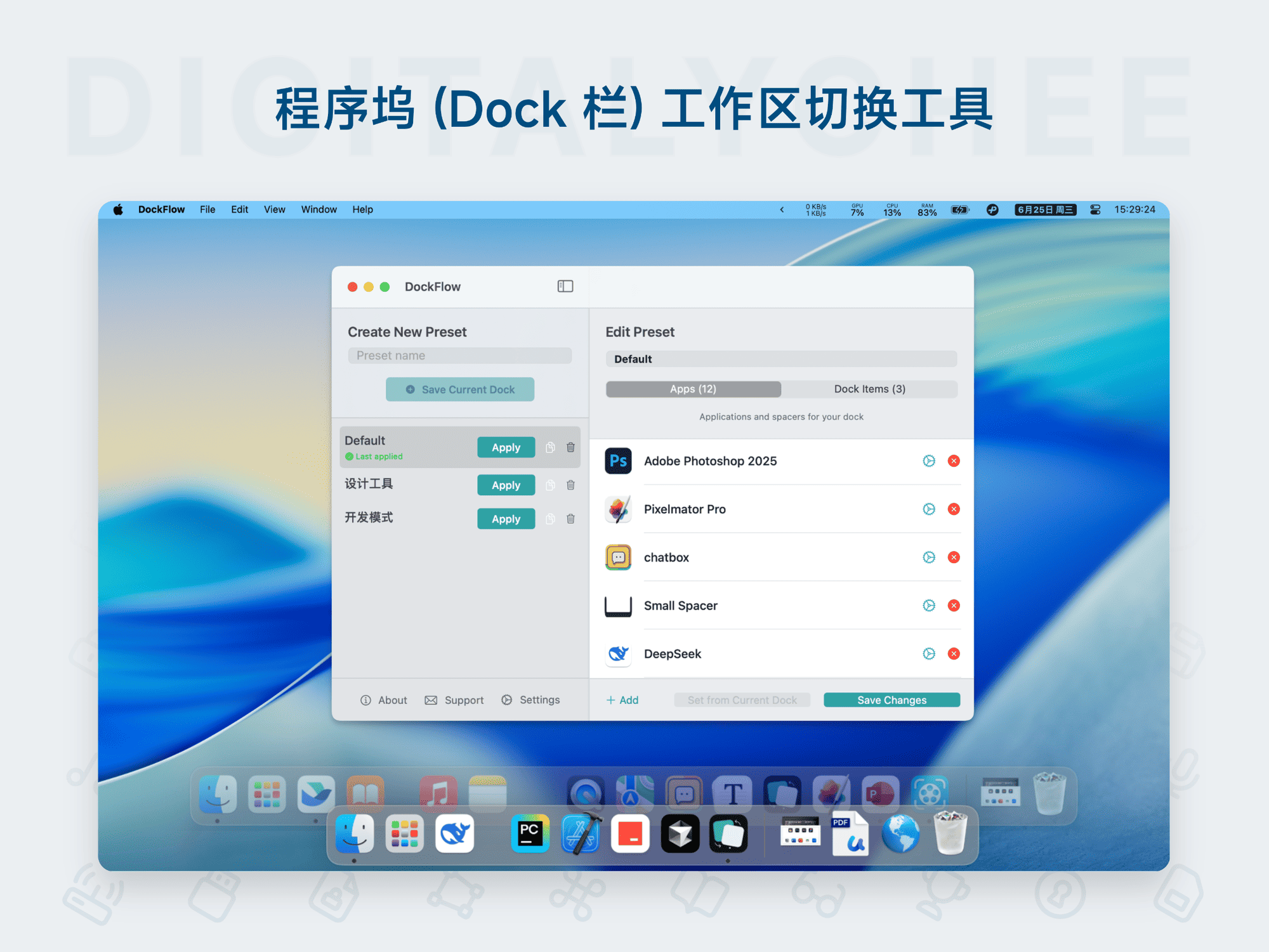
DockFlow
DockFlow is a custom layout tool for the macOS Dock, designed to help users quickly create and switch between multiple icon schemes to adapt to different work scenarios. Core features include: one-click Dock layout switching, support for adding folders, files, website links, and blank spacers; efficient operation via the menu bar, keyboard shortcuts, or Shortcuts; automatic closure of inactive apps and configuration backup support. It boosts productivity, keeps the desktop tidy, and makes multitasking smoother.
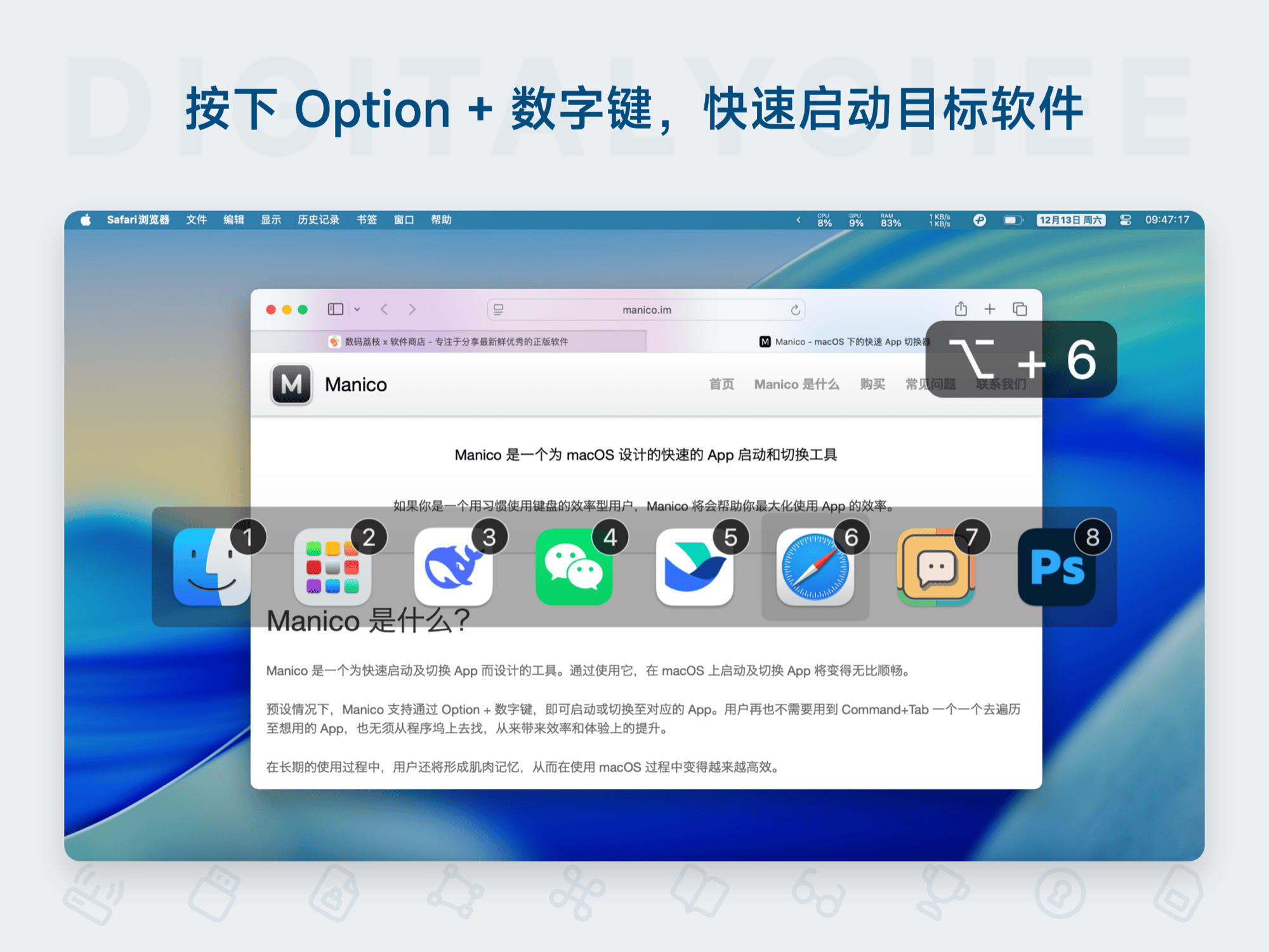
Manico
Manico is a dedicated quick launch and switching software for Mac, enabling one-key application launch/switch via Option + number keys, replacing the inefficient Command + Tab operation. It supports custom shortcuts, silent mode, and usage statistics, significantly enhancing multitasking efficiency. Suitable for all Mac users to improve work efficiency and experience.

Mission Control Plus
Mission Control Plus is a dedicated enhancement tool for macOS Mission Control. It significantly improves multitasking efficiency by adding close buttons to windows, supporting arrow key navigation, and providing shortcut management. Users can quickly close windows without switching applications, enabling smoother keyboard-only operation. Ideal for users like designers and developers who frequently switch windows. Offers a 10-day free trial, permanent activation, supports 5 devices, and notably boosts work efficiency.

Slidepad
Slidepad is a side-floating browser designed specifically for Mac, mimicking the iPad interaction experience. It automatically slides out when the mouse approaches the screen edge and hides when moved away, providing quick access to frequently used web tools. Supports custom shortcuts, background notifications, and multi-screen following for efficient multitask management. Enjoy a 30-day free trial and permanent use to boost productivity in work, creation, and entertainment, making your screen space smarter.