Directory
Developer Zone
Design & Creativity
Productivity
Other Utilities
Others

Joplin
Joplin is an open-source, free cross-platform note-taking application that supports Markdown editing and end-to-end encrypted synchronization. It seamlessly works across Windows, macOS, Linux, iOS, and Android, making it your ideal knowledge management tool.
Joplin - A Free, Secure, Cross-Platform Open Source Note-Taking Application
Overview
Joplin is a powerful, open-source, and completely free multi-platform note-taking application designed to help users freely capture, organize, and synchronize personal thoughts and knowledge. Built on open standards and end-to-end encryption, Joplin ensures full data ownership and privacy protection.
Core Features
📝 Rich Note Editing Experience
- Multimedia Support: Easily embed images, videos, PDFs, and audio to create rich content
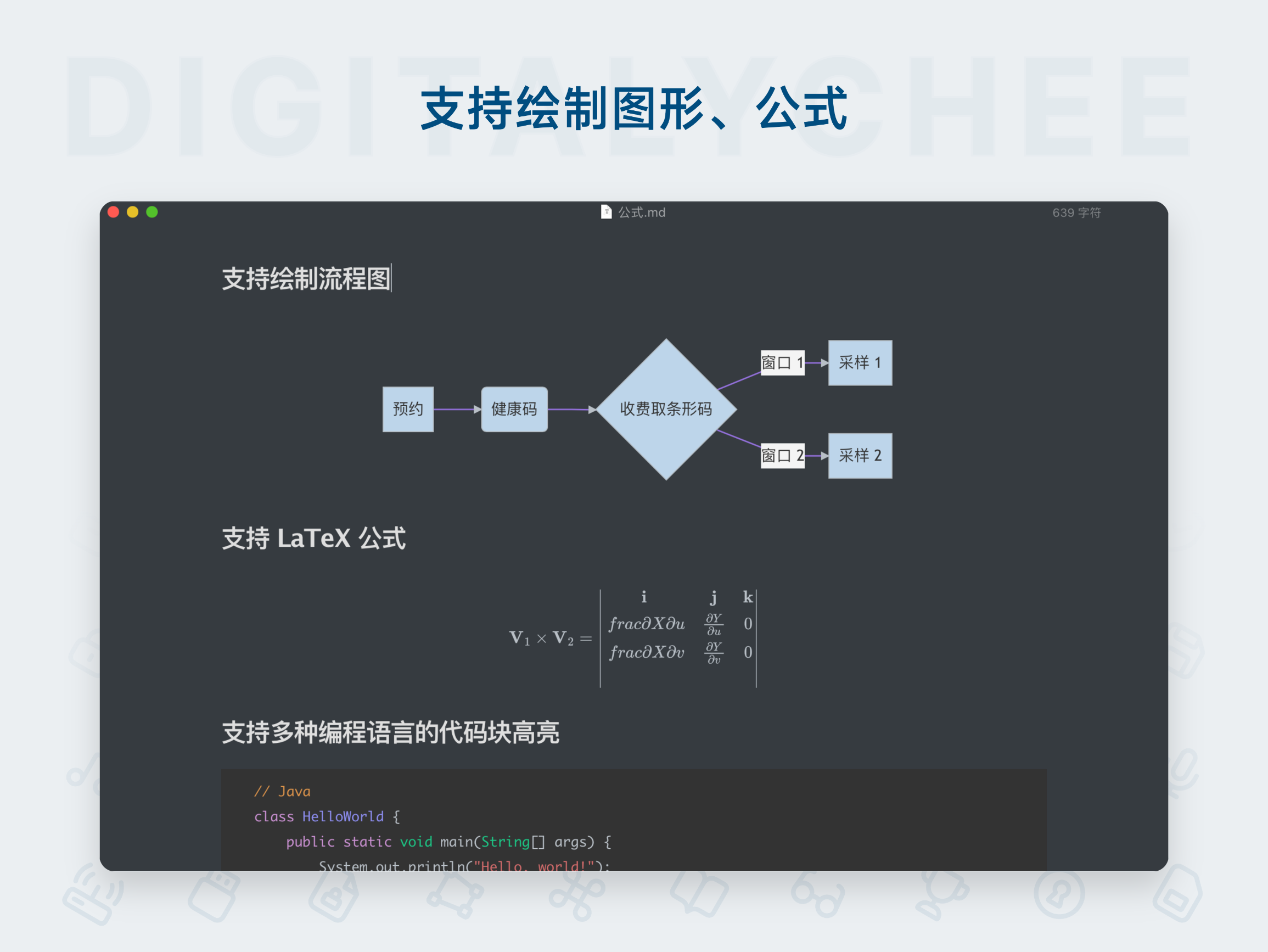
- Mathematical Expressions: Create complex mathematical formulas and diagrams directly within the app
- Mobile Photo Capture: Take photos via the mobile app and instantly save them to your notes
- Dual Editor Mode: Supports both Markdown (plain text) and rich text editors to suit different user preferences
🔗 Powerful Information Collection
- Web Clipper Tools: Chrome and Firefox browser extensions allow one-click saving of web content or screenshots
- Multi-format Conversion: Web clipping supports saving as full page, simplified article, or screenshot
☁️ Seamless Sync & Collaboration
- Multi-device Sync: Supports Joplin Cloud, Dropbox, OneDrive, Nextcloud, and other sync services
- Full Platform Coverage: Available for Windows, macOS, Linux, Android, iOS, and even a terminal version
- Team Collaboration: Securely share notes via Joplin Cloud and co-edit with friends, family, or colleagues
- Web Publishing: Publish any note to the internet and share it via link with anyone
🔒 Top-Tier Security
- End-to-End Encryption: All synced data is encrypted using E2EE, ensuring only you can access your notes
- Open Source Transparency: Fully open-source code with no hidden backdoors or data collection
- Open Format Storage: Notes are stored in open formats, ensuring long-term accessibility and migration freedom
Unique Advantages
🌍 Geographic Privacy Protection
- Data Hosted in France: Joplin Cloud servers are located in France, strictly complying with EU GDPR privacy regulations
- Regulatory Compliance: Benefits from some of the world’s strictest privacy laws, ensuring data sovereignty
🛠️ High Customizability
- Plugin Ecosystem: Extend functionality via rich plugins such as calendar integration, template systems, etc.
- Custom Themes: Support for custom interface themes to create a personalized workspace
- Extensible API: Developers can create their own scripts and plugins to meet specific needs
💰 Cost Advantage
- Completely Free: Core application and sync features are entirely free (via third-party cloud services)
- Optional Cloud Service: Joplin Cloud offers enhanced sync and collaboration features, but is not required
Technical Architecture
Joplin features a modern architecture:
- Standardized note format based on Markdown
- Local SQLite database support
- Modular plugin system
- RESTful API interface
Media Reviews
“Joplin stands alone as the best open-source note-taking app, earning it the Editor’s Choice award in its category. Unlike some extremely difficult-to-use open-source tools, Joplin is very user-friendly when setting up storage and syncing.” — PCMag
“Joplin is an excellent open-source note-taking app, packed with features. You can take notes, manage to-do lists, and sync them across all devices via connected cloud services. Syncing is protected with end-to-end encryption.” — It's FOSS
“It lets you create various types of notes, reminders, and alarms—all synchronized across devices. The app also includes a web clipper tool, but in my opinion, Joplin’s best feature is its built-in end-to-end encryption, which protects your note privacy.” — Life Hacker
Target Users
- Privacy-Conscious Users: Individuals who prioritize data security and ownership
- Cross-Platform Users: Those who need seamless switching across multiple devices
- Tech Enthusiasts: Users who enjoy open-source software and customization
- Students & Researchers: Individuals needing to organize large volumes of study and research materials
- Team Collaborators: Professionals who need to share and co-edit notes with teams
- Long-Term Knowledge Managers: Users aiming to build a lasting personal knowledge base
Conclusion
Joplin is more than just a note-taking app—it’s a complete knowledge management system that seamlessly integrates open-source principles, privacy protection, and cross-platform convenience. Whether you’re a casual user or a technical expert, Joplin delivers a secure, reliable, and highly customizable note-taking experience, truly embodying the philosophy: “Your notes, your control.”
Version Note: Joplin is continuously updated. For the latest version and full feature list, visit the official website.
All software data on this site is synchronized from the Awesome mac project. Copyright belongs to original authors.
Recommended Apps
LightPaper
LightPaper is a powerful Markdown editor featuring real-time preview, code highlighting, format conversion, and offline writing, meeting the needs of efficient content creation and management.

Marked 2
Marked 2 is a professional Markdown document preview and editing tool that supports real-time preview, multi-format export, and custom styling, helping you write and organize documents more efficiently.

MarkText
MarkText is a free and open-source markdown editor that offers real-time preview and WYSIWYG editing experience. With a clean and elegant interface, it supports multiple themes and export formats, making it an ideal choice for writing, note-taking, and document editing.

Marp
Marp is a modern presentation tool based on Markdown, enabling users to quickly create beautiful slides using plain text syntax. It supports code highlighting, mathematical formulas, and customizable themes, making it especially suitable for technical presentations, academic reports, and everyday demonstrations.
Marxico
Marxico is a professional Markdown editor specifically designed for Evernote, supporting real-time preview, offline editing, and code highlighting, making writing and knowledge management more efficient and seamless.

Wise Words
Miaoyan is an elegant and minimalist Markdown editor for Mac, featuring real-time preview and code highlighting, offering a focused writing environment. It is the ideal choice for programmers and writers alike.
Comments