Directory
Developer Zone
Design & Creativity
Productivity
Other Utilities
Others
Zettlr
Zettlr is a free and open-source Markdown editor designed specifically for academic writing and knowledge management. It integrates project management, reference support (Zotero), Zettelkasten note-taking methodology, and multiple format outputs, serving as an efficient writing workspace for scholars and researchers.
Zettlr
Overview
Zettlr is a powerful, elegantly designed free and open-source Markdown editor specifically crafted for academic writing, note-taking, research, and long-form content creation. It positions itself as your “all-in-one publishing workspace,” aiming to streamline complex writing workflows—from scattered ideas to polished, publication-ready drafts—within a single, efficient, and focused application.
As a cross-platform application (supporting macOS, Windows, Linux), Zettlr's core philosophy centers on privacy-first and user autonomy.
Features and Advantages
1. End-to-End Project Management
- Feature: Manage the entire writing project—from initial notes and drafts, through revisions, to final formatting and output—within a single application.
- Advantage: Eliminates the hassle of switching between multiple tools (e.g., note-taking apps, Word, reference managers, LaTeX editors), preserving mental flow and workflow continuity. Supports direct export to beautifully formatted PDF, DOCX, and other formats using journal or publisher templates.
2. First-Class Citation Support
- Feature: Seamless integration with leading reference management tools (e.g., Zotero, JabRef, Citavi).
- Advantage: Allows direct searching, insertion, and formatting of citations during writing, with automatic generation of reference lists. This significantly enhances efficiency and professionalism in academic writing, ensuring accurate citation formatting.
3. Powerful Note-Taking and Knowledge Management
- Feature: Built-in support for the “Zettelkasten” (slipbox) note-taking method, enabling easy creation of bidirectional links between notes and visualization of knowledge connections as a network graph.
- Advantage: Helps you build a dynamic, evolving personal knowledge base, allowing ideas to interconnect and evolve, ultimately organizing fragmented notes into structured books, papers, or reports.
4. Efficient Information Retrieval and Organization
- Feature: Offers global search, cross-file search, document outline navigation, tagging system, and color-coded labels.
- Advantage: Quickly locate needed information regardless of project size. Smart outlines provide clear visibility into long document structures, enabling rapid navigation and restructuring.
5. Focused and Efficient Writing Experience
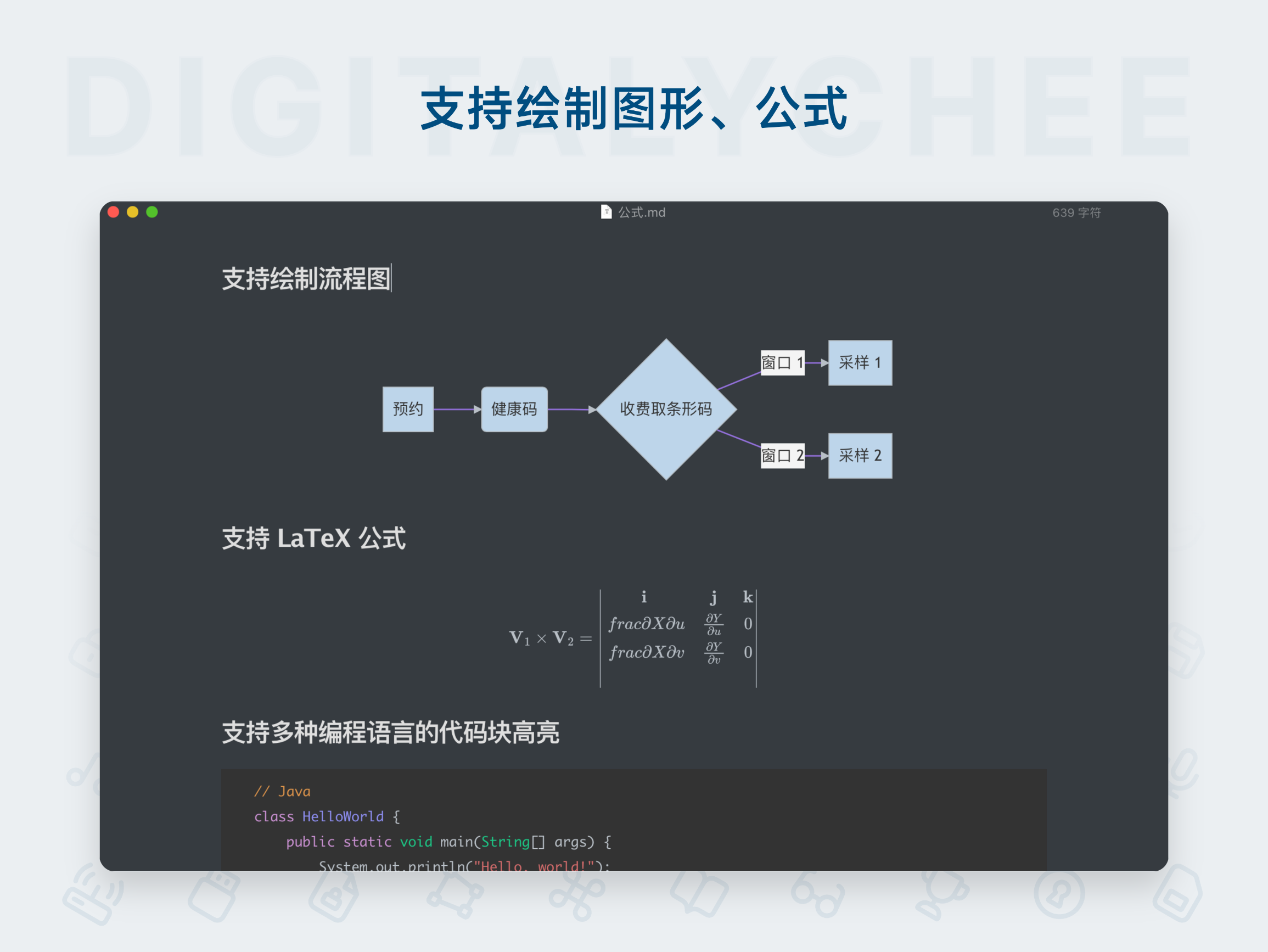
- Feature: Clean, distraction-free interface with customizable themes. Supports rich Markdown extensions (tables, footnotes, comments, highlights). Includes extensive keyboard shortcuts and auto-completion for parentheses, quotes, etc.
- Advantage: Enables deep focus on content creation. Shortcuts and automation features (e.g., inserting timestamped notes for interviews) significantly speed up writing and organization.
6. Privacy-First and Data Ownership (Core Advantage)
- Feature: Zettlr is true free and open-source software (FOSS). All files are stored locally on your computer. No forced cloud sync, no telemetry, no A/B testing.
- Advantage: You maintain full control over your notes and data. You can choose your preferred cloud service (e.g., iCloud, Dropbox) for syncing without being locked into any proprietary ecosystem. This provides peace of mind for researchers, journalists, and writers who value privacy and data security.
7. Flexible and Versatile Export Options
- Feature: Leveraging the powerful Pandoc engine, supports exporting documents to nearly all common formats, including PDF, Microsoft Word, HTML, ePub, various LaTeX derivatives, and presentation formats.
- Advantage: Whether submitting to journals, creating e-books, publishing web content, or generating presentations, Zettlr delivers outputs perfectly tailored to your target publishing workflow.
Target Users
- Academic Researchers and Students: Writing papers, theses, and managing literature notes.
- Writers and Screenwriters: Creating books, screenplays, and long-form manuscripts.
- Journalists and Investigators: Organizing interview transcripts, evidence, and building complex investigative narratives.
- Knowledge Workers and Tech Enthusiasts: Building personal knowledge management systems using methods like Zettelkasten.
- All Markdown enthusiasts who seek efficient, focused writing and value data privacy.
System Requirements (macOS)
- Operating System: macOS 11.6.0 (Big Sur) or later.
- Others: No additional configuration required. Ready to use out of the box.
Conclusion
Zettlr is more than just a Markdown editor—it’s an integrated writing environment designed for serious writers. It combines robust functionality (project management, citations, linking, exporting) with minimalist design and a firm commitment to privacy protection. If you’re seeking a reliable, efficient, and respectful tool that can accompany you from initial inspiration to final publication, Zettlr is a highly recommended choice.
All software data on this site is synchronized from the Awesome mac project. Copyright belongs to original authors.
Recommended Apps

Cmd Markdown
Cmd Markdown is a powerful professional Markdown editor that delivers an exceptional writing experience. It supports real-time preview, mind mapping, code highlighting, and cloud synchronization, making it an ideal knowledge management tool for writers and programmers.
Effie
Effie is a creative tool that integrates writing and mind mapping, supporting Markdown syntax and offering a clean, distraction-free writing environment to help creators focus on content creation and achieve efficient output.

EME
EME is an elegant open-source Markdown editor designed specifically for developers. Featuring real-time preview, code syntax highlighting, and cross-platform support, it delivers a clean and efficient writing experience.

iA Writer
iA Writer is an elegant and minimalist Markdown writing tool that offers a distraction-free writing environment, featuring grammar checking and cross-platform synchronization, empowering both creative and professional writing.

Joplin
Joplin is an open-source, free cross-platform note-taking application that supports Markdown editing and end-to-end encrypted synchronization. It seamlessly works across Windows, macOS, Linux, iOS, and Android, making it your ideal knowledge management tool.
LightPaper
LightPaper is a powerful Markdown editor featuring real-time preview, code highlighting, format conversion, and offline writing, meeting the needs of efficient content creation and management.
Comments