Store Selected quality macOS software and hardware
We carefully select productivity software and well-designed hardware accessories to improve your Mac experience.

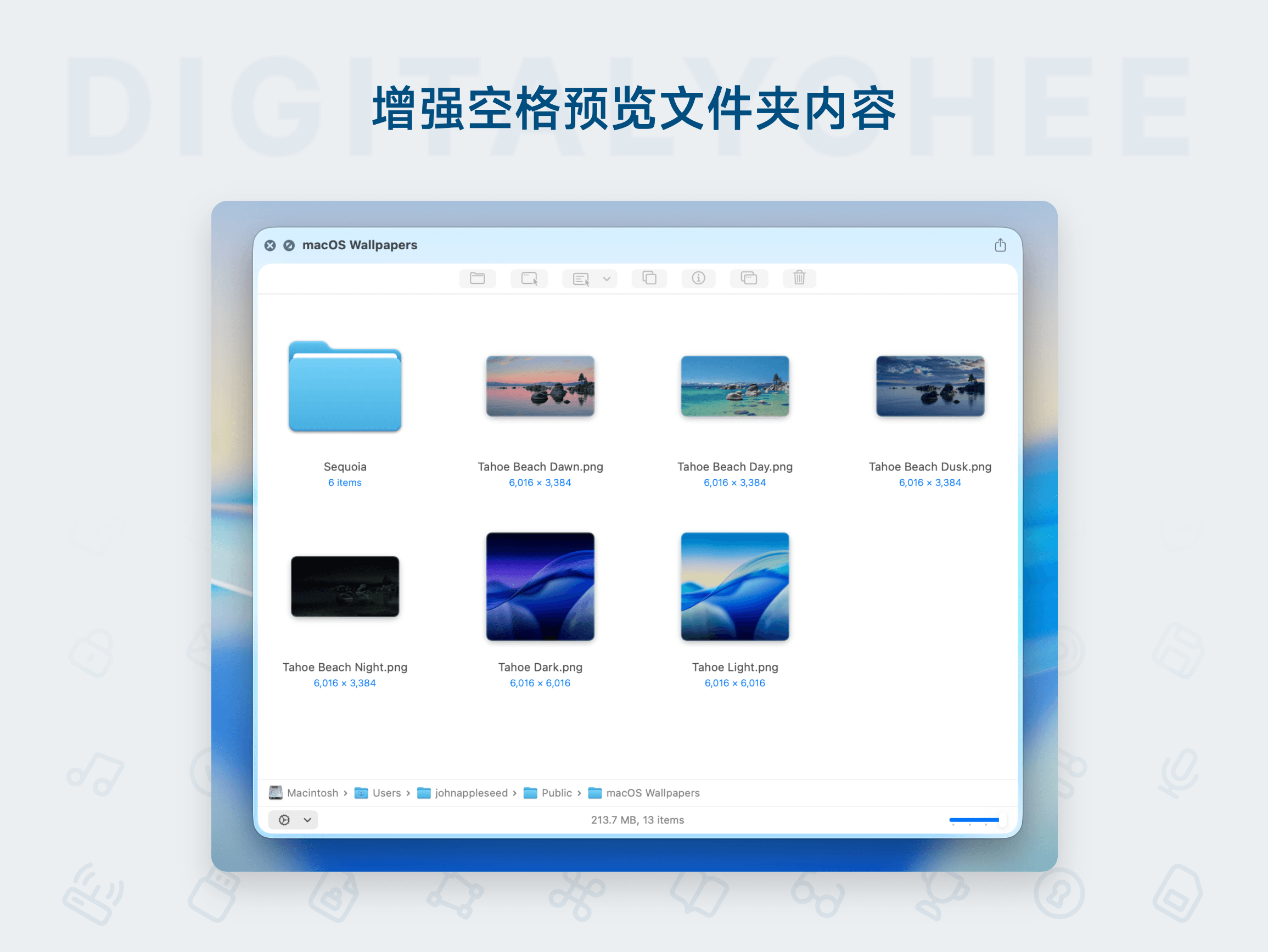
Folder Preview Pro
Folder Preview Pro is a folder preview tool designed for macOS, enabling you to quickly view folder contents without opening them. It supports real-time previews for various file formats, greatly enhancing file management efficiency. With a clean, intuitive interface, it provides one-click access to key information like file name, size, and modification time, making it ideal for users who frequently handle large volumes of files, saving time and improving workflow.
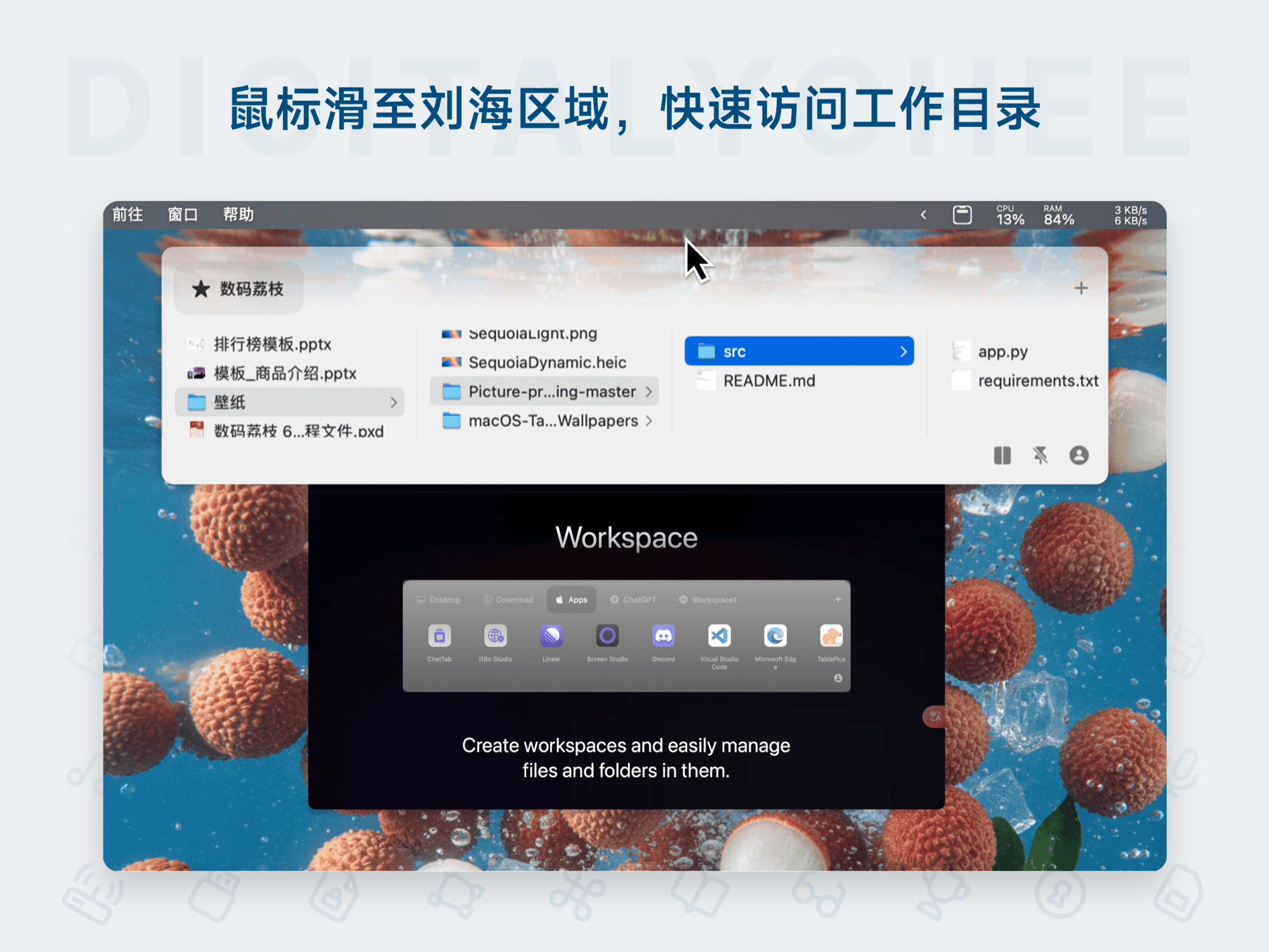
Folder Hub
Folder Hub is an efficient file browser designed for Mac, hidden in the notch or center of the menu bar. Instantly accessible via mouse hover or a hotkey, it allows quick access to frequently used files and folders without leaving the current window. It supports preview, sharing, drag-and-drop, and offers fun animations and customization, significantly boosting daily productivity for developers, designers, and professionals.

FocuSee 2
FocuSee 2 is a dual-platform screen recording software for Windows and macOS, offering efficient audio-visual recording, intelligent tracking and zoom, AI noise removal, and automatic subtitle generation. It supports subtitles in 50+ languages and features professional editing tools like cropping and spotlight effects. Ideal for creating tutorial videos, sharing game guides, and personal creative expression, it simplifies the video content creation process and enhances user efficiency.

Flex Calc
Flex Calc is an innovative notepad-style arithmetic application tailored for macOS and iOS. Key highlights include real-time calculation, dynamically linked expressions, cloud-synced history, and custom numeric tags. It features a built-in library of practical templates for utilities, investment returns, and more, supporting quick calculations for financial and shopping scenarios. By managing calculation workflows in a natural note-taking style, it boosts daily efficiency and is suitable for personal finance, student learning, and complex data processing.

Zhuiguang Lite
Zhuiguang Lite is a lightweight file history management tool designed for macOS, supporting one-click archiving and recovery of historical files using incremental storage to save space. Integrated features include version diff comparison, iteration relationship graphs, and a Mini mode, helping you efficiently backtrack file modification records and avoid version confusion. Suitable for content creation, academic research, and team collaboration scenarios, with a 7-day trial to ensure a worry-free experience.
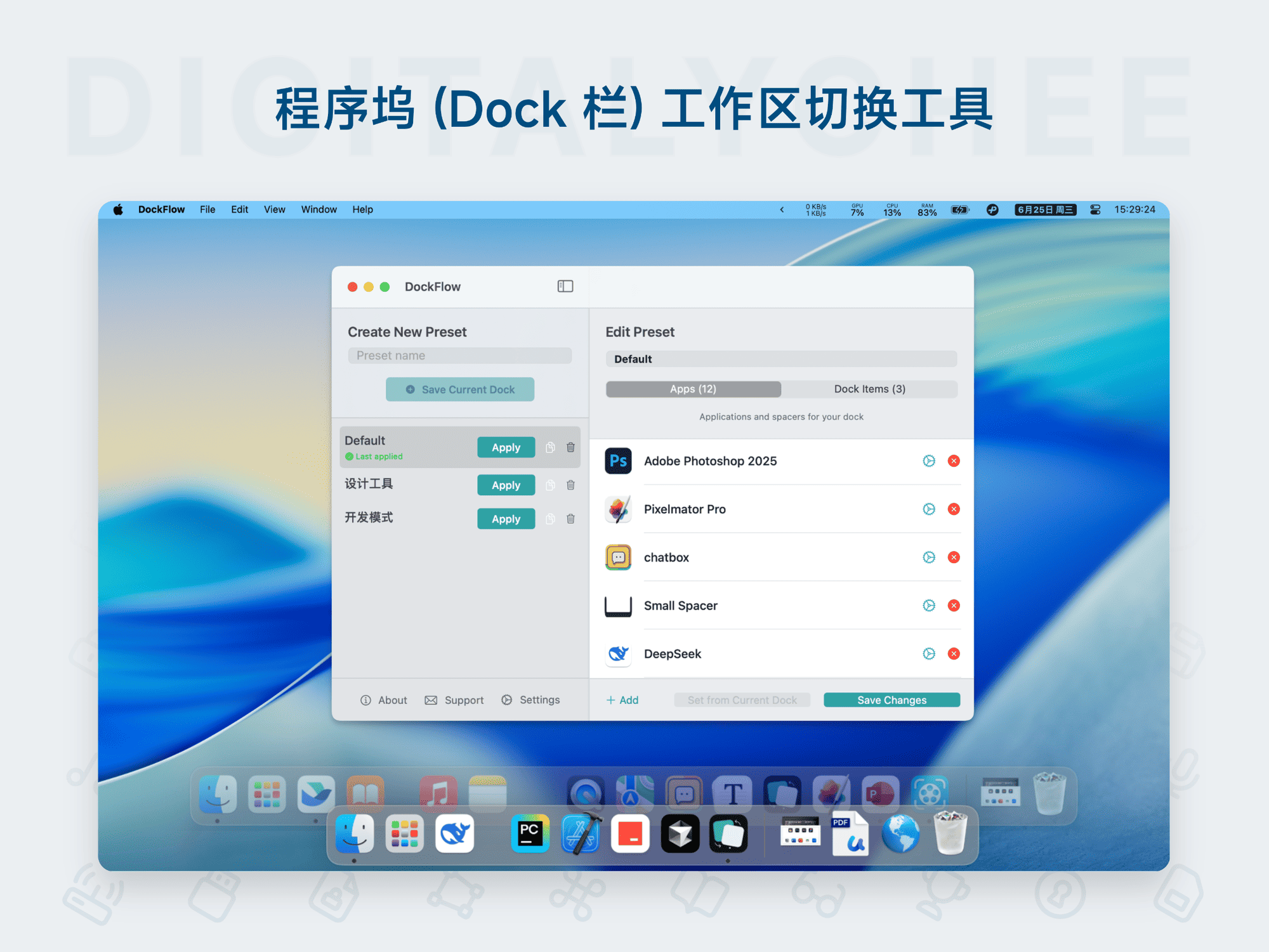
DockFlow
DockFlow is a custom layout tool for the macOS Dock, designed to help users quickly create and switch between multiple icon schemes to adapt to different work scenarios. Core features include: one-click Dock layout switching, support for adding folders, files, website links, and blank spacers; efficient operation via the menu bar, keyboard shortcuts, or Shortcuts; automatic closure of inactive apps and configuration backup support. It boosts productivity, keeps the desktop tidy, and makes multitasking smoother.

QSpace
QSpace is a multi-view file manager that displays multiple folders simultaneously in one window for efficient cross-directory file management. It offers numerous practical extensions such as cloud server connection, enhanced right-click menus, and a file staging area.

Downie 4
Downie 4 is a professional, user-friendly video download tool for Mac. It supports over 1000 mainstream video websites, allowing you to quickly download high-definition videos by simply dragging and dropping links. The software is optimized for significantly faster download speeds. It also features a built-in search function and can perform simple format conversion or audio extraction on downloaded videos, making it ideal for offline viewing, educational archiving, or creative material collection.

IBoySoft NTFS for Mac Assistant 8
IBoySoft NTFS for Mac Assistant 8 is a powerful tool designed for macOS users, effortlessly overcoming the limitations of the native system to provide full read/write support for NTFS-formatted external hard drives and USB flash drives. After installation, you can seamlessly copy, edit, delete, and save files on NTFS disks from your Mac, significantly improving the efficiency and convenience of cross-platform data transfer. Whether for office collaboration, home data management, or business travel, it is an essential utility.

Parallels Desktop 26
Parallels Desktop 26 is a powerful and easy-to-use virtualization software for Mac, allowing you to run Windows, Linux, and other operating systems and applications smoothly within macOS without restarting. It offers a seamless cross-platform experience, supports drag-and-drop file sharing, one-click system deployment, and flexible resource allocation, making it an ideal solution for office software compatibility, development/testing environments, and gaming/entertainment needs.